If you're paying for a managed IT service, you might be unaware of the following things.
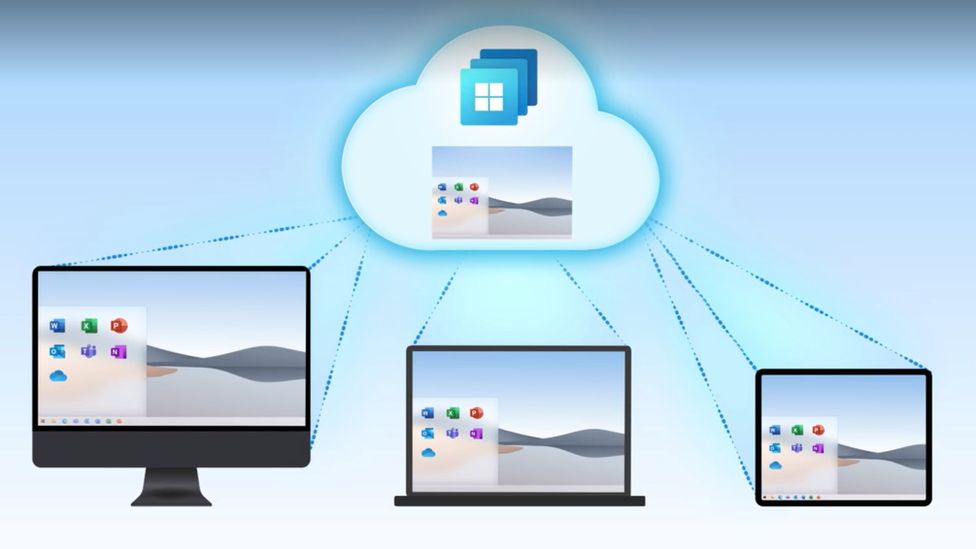
As part of any managed IT service, your systems will be covered with a piece of software referred to as RMM - this stands for remote monitoring and management. It's crucial for a managed IT service company's success with their clients that this is running on all PCs, laptops and servers.
But what does it do? Well, the name alone you can guess a few things from it - it monitors the health of the technology in your business. If there's a problem, the IT company are alerted to the issue before the client is even aware of a problem.
The best example of this is disk space monitoring. If a server or desktop is running low on storage, the IT company will automatically be alerted to the problem. The benefit of this pro-active approach to IT support is that the customer has minimal downtime.
Other features of RMM software include patch management which is a fancy way of saying "automatic Windows updates". I'm sure you've had something crucial to do and be stuck with the Windows update timer on your screen.
RMM software allows the service provider to schedule updates and "patches" during out of hours. This again leads to less customer downtime.
Other handy features to RMM software is their ability to automate specific tasks. A good example is a scheduled reboot. Like most desktop PCs and laptops - servers once in a while start to slow down. It's just one of those things that a restart can fix.